Adobe Premiere Pro · Plugin

Real easing.
Between any two keyframes.

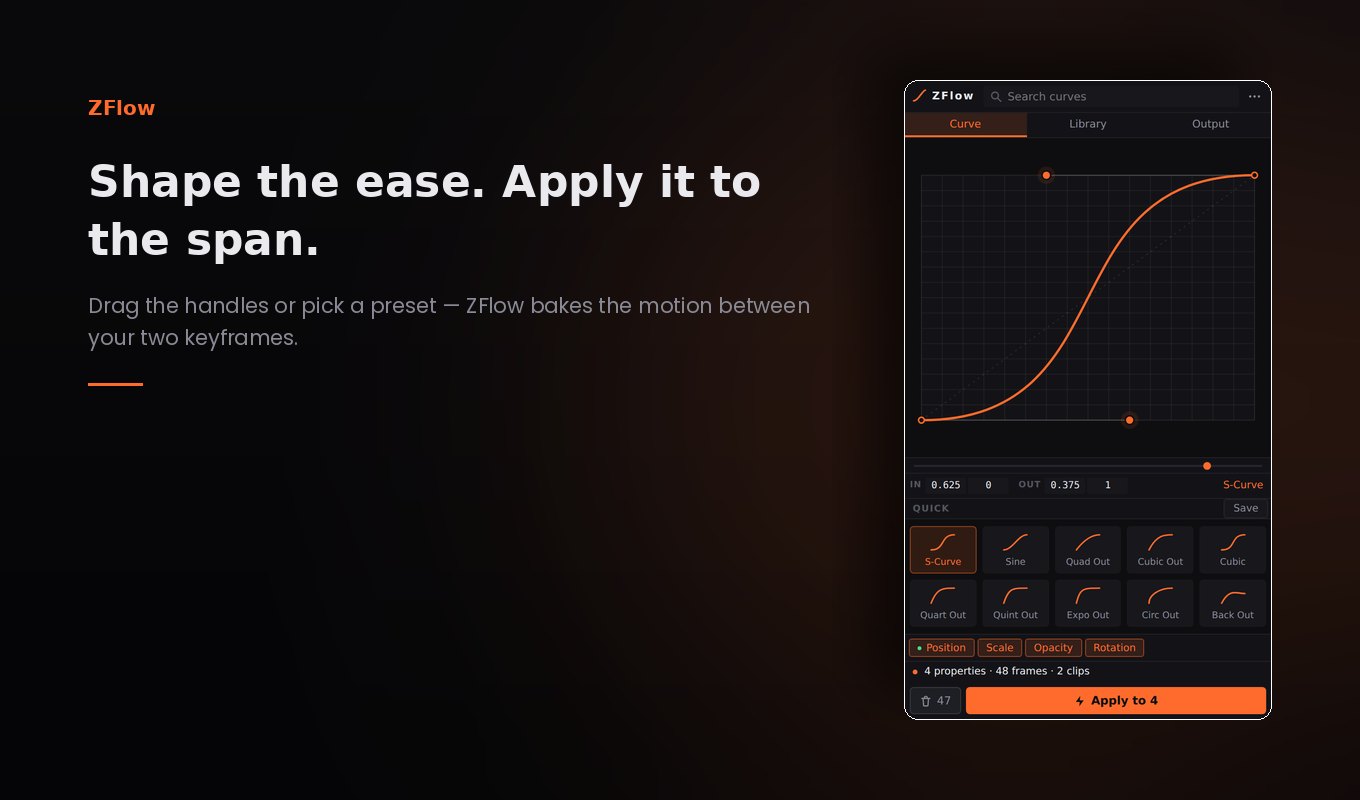
Premiere gives you Ease In, Ease Out and very little in between. ZFlow gives you the whole curve — drag the handles or pick from 28 named easings, and the motion is written into the span frame by frame.

One-time purchase · Premiere Pro 25.6+ · macOS & Windows
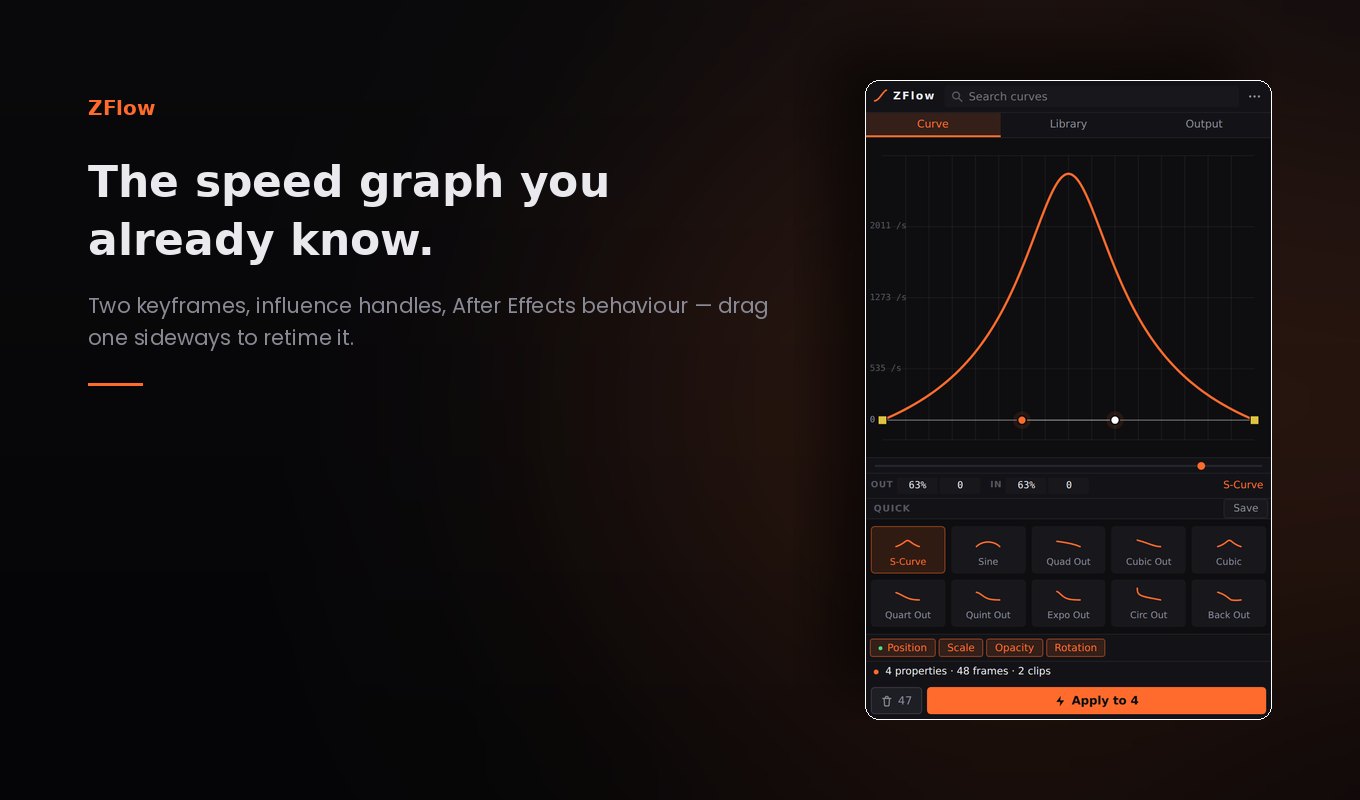
The ZFlow panel in Premiere Pro, showing the curve editor and preset tiles
What it does

Built for the part of the timeline
that eats your clicks

Set two keyframes, park the playhead between them, and ZFlow finds them on its own — the property, the clip, the length of the span.

28 easing curves

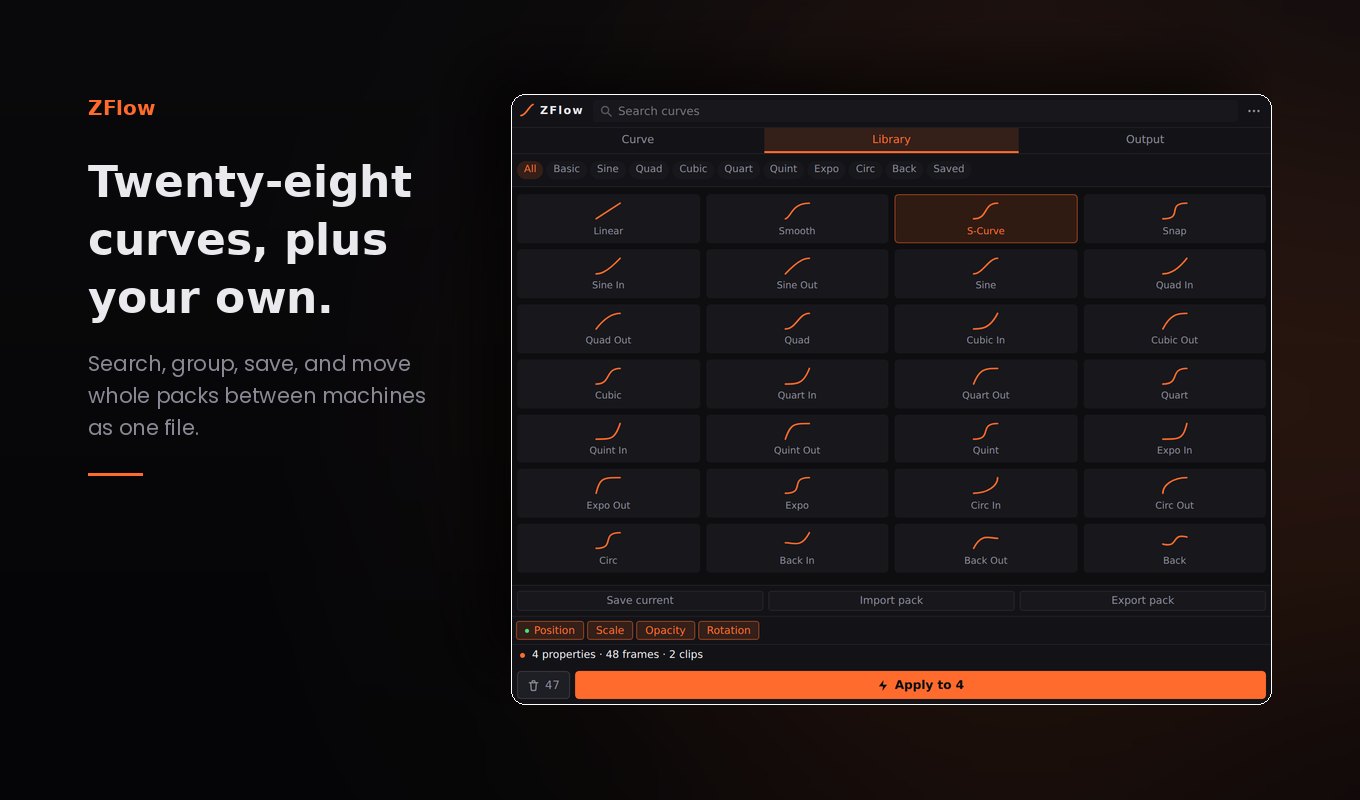
The full easings.net set — Sine to Back, In, Out and In-Out — grouped, searchable and one click from applied.

The speed graph you know

An After Effects style speed graph over your two parent keyframes, with influence handles and a magnetic zero line. Drag one sideways and it retimes on the timeline.

Batch and stagger

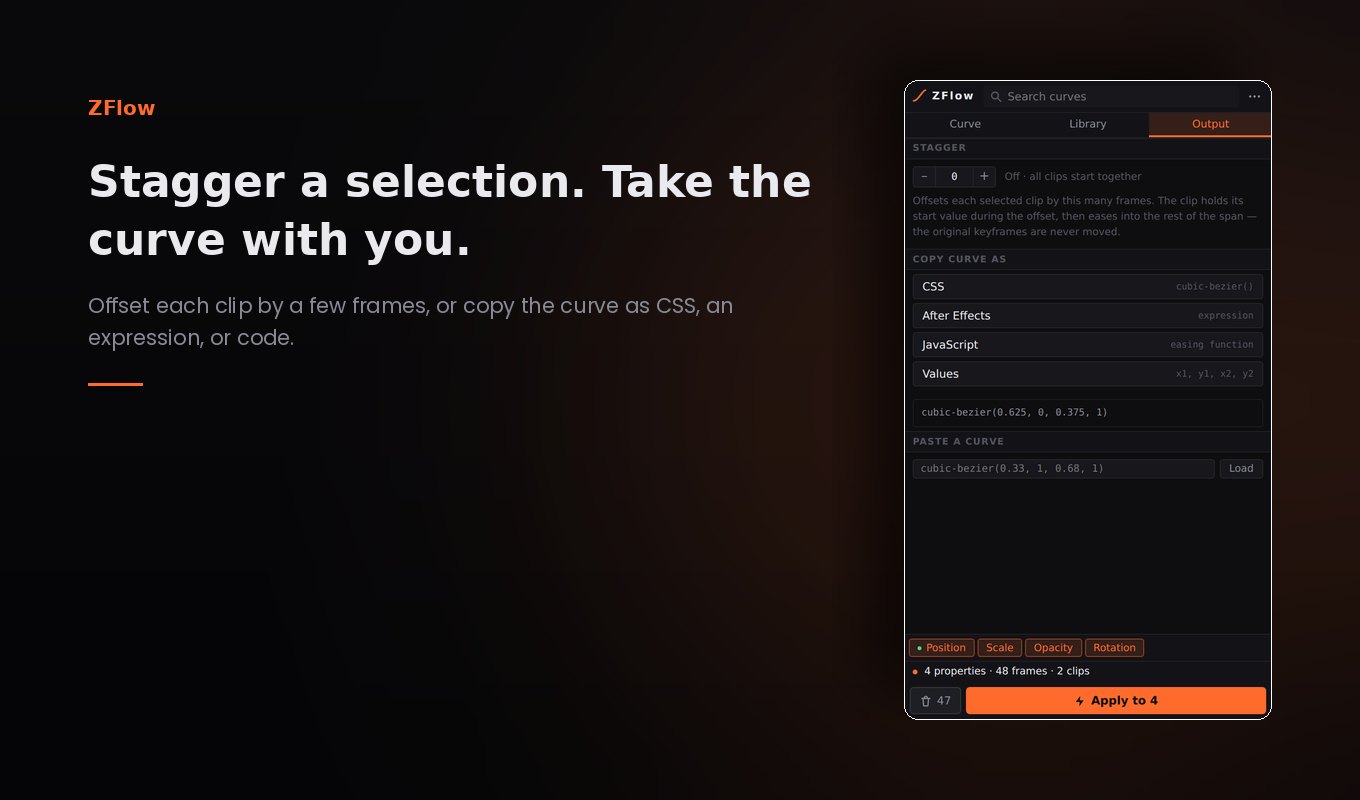
Apply across every clip in the selection at once, and offset each one by a few frames so a row of elements cascades instead of moving as a block.

Re-ease and clear

Pick a different curve and it re-eases in place — no keyframes piling up. Press Clear and you are back to your original two, with their original values.

Overshoot that settles

Curves that go past the endpoint and come back — the snap Premiere's own ease simply cannot express.

Your own curve library

Save the ones you keep reaching for, export the whole pack as a single file, and import it on another machine. Copy any curve as CSS, an expression or code.

Try it

Drag the curve. Watch what it does.

This is the plugin's own easing engine running in the page — the same solver and the same 28 curves. Whatever you shape here is exactly what ZFlow writes into your timeline.

cubic-bezier(0.625, 0, 0.375, 1)
Position
Scale

Drag either handle — including above and below the box, which is where overshoot lives. Premiere's own ease cannot go there.

The library

All twenty-eight, in the box

Hover any curve to feel its timing. Click to load it into the editor above.

See it move

Animated with ZFlow

A finished shot, not a demo reel. The timing you are watching was written by the panel between two keyframes.

ZFlow Animation. Every ease in this clip came out of the panel — pick a curve, press Apply, and the span in between is written frame by frame.

Nothing is loaded from YouTube until you press play. Watch on YouTube instead →

Specifications

What you need to run it

Host application
Adobe Premiere Pro 25.6 or later
Operating system
macOS and Windows
Licence
$19.99 one-time — not a subscription
Properties supported
Position, Scale, Rotation, Opacity, Anchor Point, and any effect parameter Premiere will keyframe
Presets
28 built in, unlimited saved curves, import / export as packs
Undo
One Ctrl/Cmd+Z takes back a whole ease
Internet
Not required — works fully offline
Data collected
None. No account, no telemetry, no licence check
Panel size
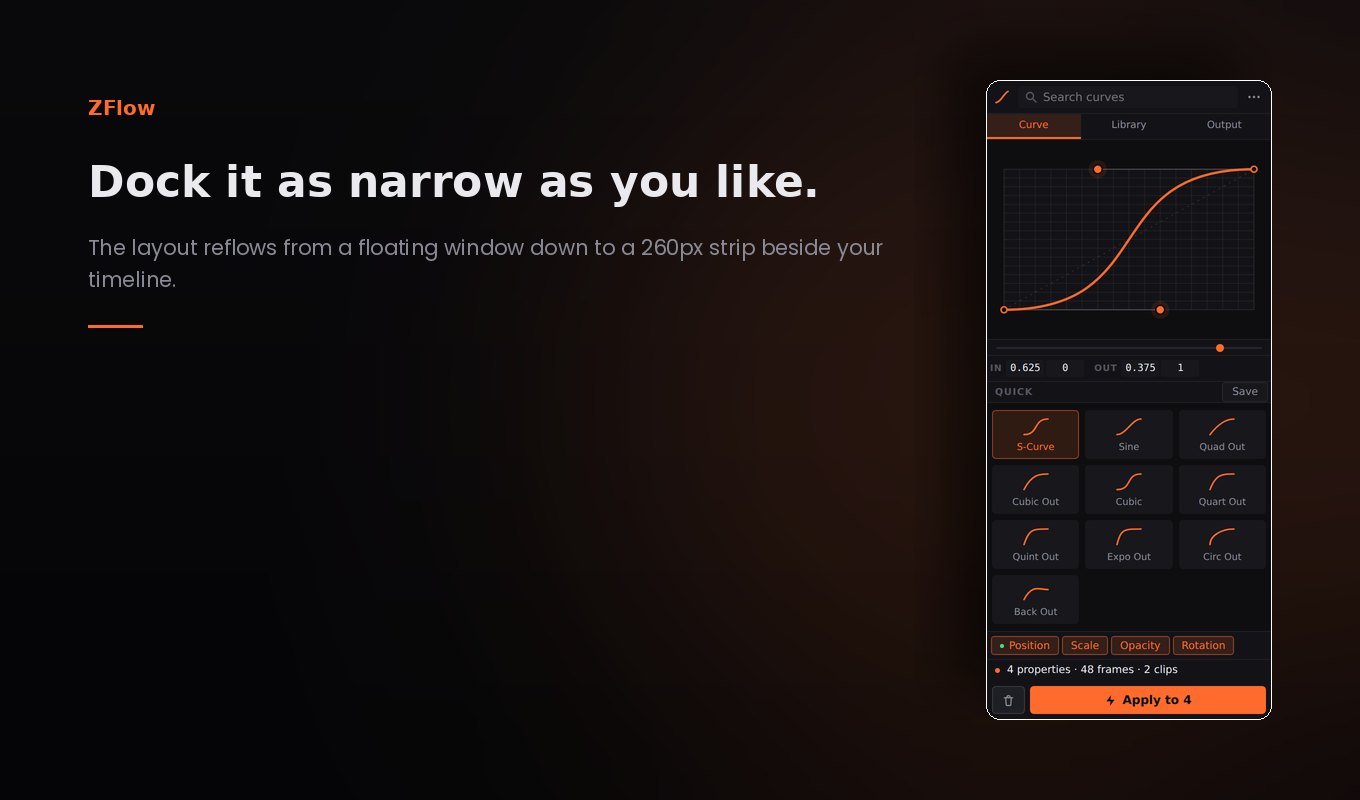
Docks from 260px wide up to a full floating window
$19.99 one-time

Out now on the Adobe Creative Cloud Marketplace. Buy once, install from Creative Cloud, and it's yours — updates included.

One-time purchase Free updates No subscription Works offline